Code in.Video out.
tap the headline.psst. click the headline.
Paste your code, then the next version of it. DevReel animates the change into a smooth video you can export as an MP4 or GIF, free, right in your browser.
No sign-up · No watermark · Free in your browser
The editor runs on desktop and tablet.
3.6s / 6.0s
drag the video to scrubclick it, then space play ←→ step S shape Rsurprise
Live demo of the Build a function template: 3 frames of code, animated with Morph, in the Landscape shape.
Scene 1: The details
Everything a code video needs.
- Export
- MP4 at 30 or 60 fps, or a GIF that loops anywhere
- Resolution
- 720p, 1080p or 4K
- Shapes
- Landscape 16:9, square 1:1 or vertical 9:16
- Animations
- 46 ways to animate a change
- Languages
- 13, including TypeScript, Python, Rust and Go
- Code themes
- 10, including Dracula, Monokai and GitHub Dark
- Price
- $0 in your browser. No watermark, no account.
- Cloud
- Optional. 1 credit renders 1 minute of 1080p.
- API
- On the Pro and Studio plans
Scene 2: Made in DevReel
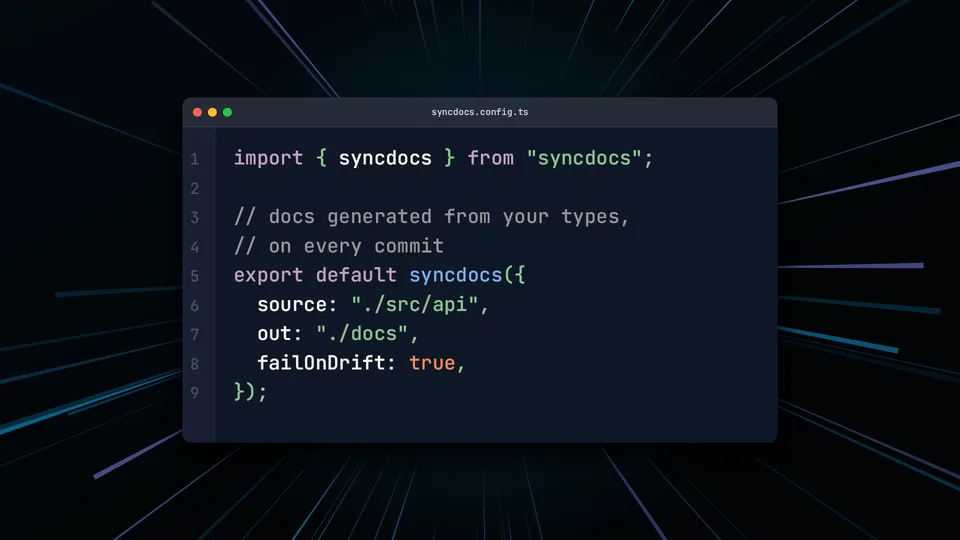
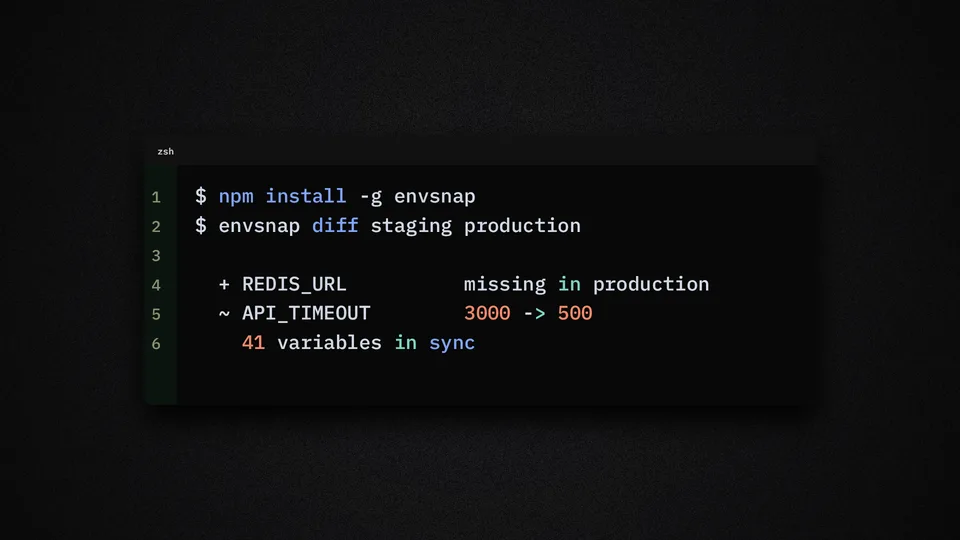
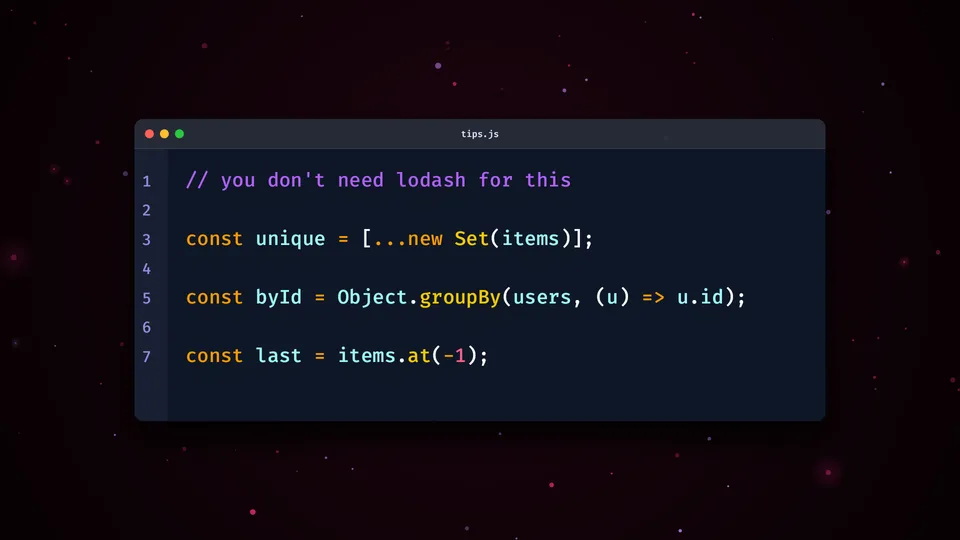
Pick a look. Make it yours.
Window styles, code themes, fonts and animated backgrounds, mixed freely. Every image here is a still from the editor.
Scene 3: Pricing
Free to export. Pay only for the cloud.
Browser export is free on every plan. Plans add cloud rendering: one credit renders one minute of 1080p video. Unused minutes roll over. Credits never expire.
Free
$0/month
- Unlimited browser exports
- 5 cloud credits to start
- 10 cloud projects
- 100 MB for uploads
- Cloud renders kept 7 days
- API + MCP for AI agents
Plus
$3/month
- 30 cloud credits a month
- 10¢ per cloud minute
- 100 cloud projects
- 1 GB for uploads
- Cloud renders kept 14 days
- API + MCP for AI agents
Pro
Recommended$8/month
- 100 cloud credits a month
- 8¢ per cloud minute
- 500 cloud projects
- 10 GB for uploads
- Cloud renders kept 30 days
- API + MCP for AI agents
Studio
$20/month
- 300 cloud credits a month
- 6.7¢ per cloud minute
- 2,500 cloud projects
- 100 GB for uploads
- Cloud renders kept 90 days
- API + MCP for AI agents
No subscription? Buy credits once. They never expire.
- 30 credits $3
- 100 credits $8
- 300 credits $20
720p costs half a credit per minute, 4K costs four and 60 fps doubles the cost. Cloud render lengths round up to the next 15 seconds.
Scene 4: FAQ
Questions, answered.
Is the browser export really free?
Yes. Your own computer renders the video, so there is nothing to charge for: no watermark, no account and no cap on how many videos you export, up to 4K at 60 fps. The one exception is a project with a video clip or a video background — those render in the cloud.
What is a credit?
One credit renders one minute of 1080p video at 30 fps in the cloud. 720p costs half as much, 4K costs four times as much, and 60 fps doubles the cost. Render lengths round up to the next 15 seconds.
When should I use the cloud?
When your project includes video, or when you would rather not use your own computer for the render. Finished cloud renders wait in your dashboard for 7 to 90 days, depending on your plan.
What happens when I run out of credits?
Browser export keeps working, free. Buy a credit pack or subscribe when you need the cloud again. Credits never expire.
Does it work on my phone?
Not yet. The editor works on desktops, laptops and tablets.
Your next launch video is free.
Paste your code and export your first video in the browser.
Make your first video- No watermark
- No account
- Up to 4K at 60 fps