Code screenshots are leaving reach on the table
Every dev on X posts Carbon-style code screenshots. Motion stops the scroll. How to turn the same snippet into a looping video tip in the time it takes to screenshot it.
The Carbon/ray.so code screenshot had a great run. But feeds reward motion: video posts hold attention longer, and attention is the ranking signal. When every snippet in the timeline is a static gradient card, the one where the code assembles itself is the one that stops the thumb.
The anatomy of a code tip that travels
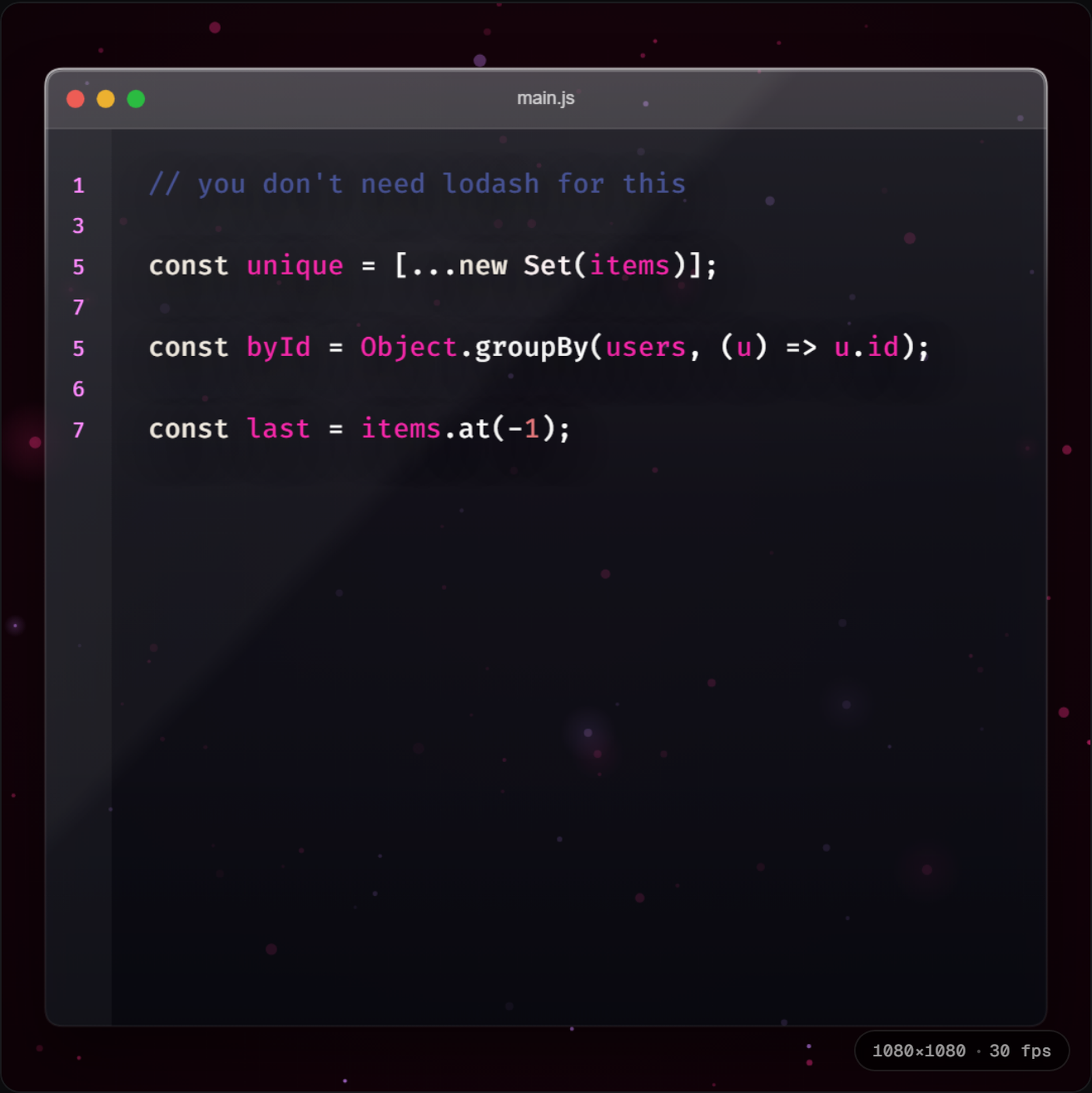
- A hook line first — one comment that names the pain ("// you don't need lodash for this"). It buys the next two seconds.
- Then the trick, cascading in line by line — not all at once.
- Square crop. 1:1 takes the most feed real estate on X and LinkedIn without getting letterboxed.
- Loop it. A 4-second loop gets watched three times; a 12-second video gets watched once, maybe.
Making one in under a minute
- 1Open the DevReel editor → "Code tip" template. It's already square (1:1), already two frames: hook, then payoff with a cascade transition.
- 2Paste your snippet over the sample. Keep it under ~12 lines — feed videos are read on phones.
- 3Export → MP4 for X, or GIF if you're posting somewhere that autoplays GIFs.
"Can't I do this with Remotion?"
Yes — and if you're posting daily and want a fully custom visual identity, a Remotion pipeline you own might be worth it. You'd build a code-highlighting component (or wire up Shiki), a line-reveal animation with useCurrentFrame, and render via CLI. Budget a day or two for the first one, minutes for each after. The trade: that pipeline is code you maintain. The template is the same result with the maintenance externalized — and for most people posting tips between actual work, that's the whole point.
Square, looping, free browser export.