50 consistent code clips for your course — without screen recording
Screen-recording VS Code is the slowest part of producing a technical course. A template-driven workflow keeps every clip on-brand and re-renderable when the code changes.
Ask anyone who has produced a technical course what took longest and the answer is rarely the teaching — it's the capture. Screen-recording an editor means cursor noise, notification pop-ins, font inconsistencies between recording sessions, and the killer: when a library update changes one line in lesson 12, you re-record lesson 12.
The workflow problem, precisely
- Consistency: fifty clips recorded across three weeks will drift — themes, zoom levels, window sizes.
- Revision cost: courses live for years; code examples don't. Re-recording is the tax on every update.
- Pacing: live typing is either too slow to watch or too fast to follow; you end up editing every clip anyway.
Clips as data, not recordings
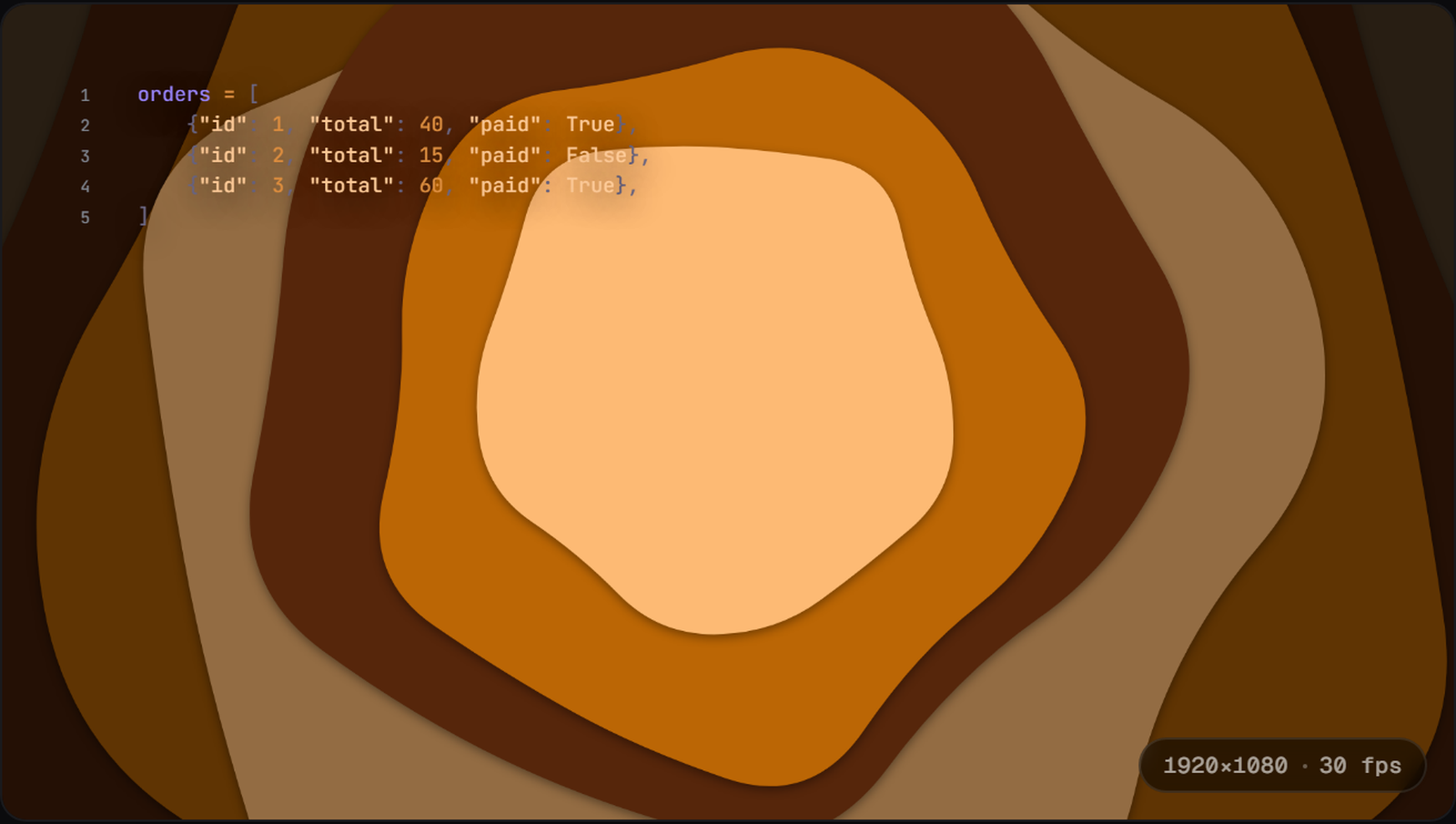
The fix is treating each clip as structured steps rather than a recording. In DevReel, a lesson clip is a sequence of code frames — step 1, step 2, step 3 — with morph transitions animating exactly what changed between steps. The "Lesson walkthrough" template is that structure ready to fill:
- 1Open the editor → "Lesson walkthrough" template: four frames that build one concept stepwise, calm theme, no window chrome to distract.
- 2Paste each step of your example into its frame. The morph transition highlights the delta — learners see precisely what changed, which is the pedagogy screen recordings can't give you.
- 3Set your course's brand once: theme, font, background. Save the project to the cloud — it's your master template now.
- 4For each subsequent clip: duplicate, swap the code steps, export. A clip is minutes, not an afternoon.
- 5When lesson 12's API changes next year: open the project, fix one frame, re-export. Ninety seconds.
The Remotion route (and when it wins)
If your course platform generates videos per student, per cohort, or per dataset — genuinely dynamic content — Remotion is the right tool: your clips become React components rendered programmatically, and no GUI competes with that flexibility. For a fixed curriculum of fifty clips, the calculus flips: you'd be building and maintaining a rendering codebase to avoid clicking through a template fifty times.
Free browser export — test the workflow on one real lesson.