Dogfooding: designing our own launch video template
We're preparing DevReel's Show HN — so we built our launch video in DevReel and turned the structure into the Launch day template. Here's the storyboard thinking, honestly.
We're getting DevReel ready for its own Show HN, which forced the question every founder hits: what actually goes in a launch video? We storyboarded ours, built it in our own editor, and then did the obvious thing — turned the structure into a template so you don't have to start from a blank canvas either. This post is the reasoning behind that structure.
The three-beat launch storyboard
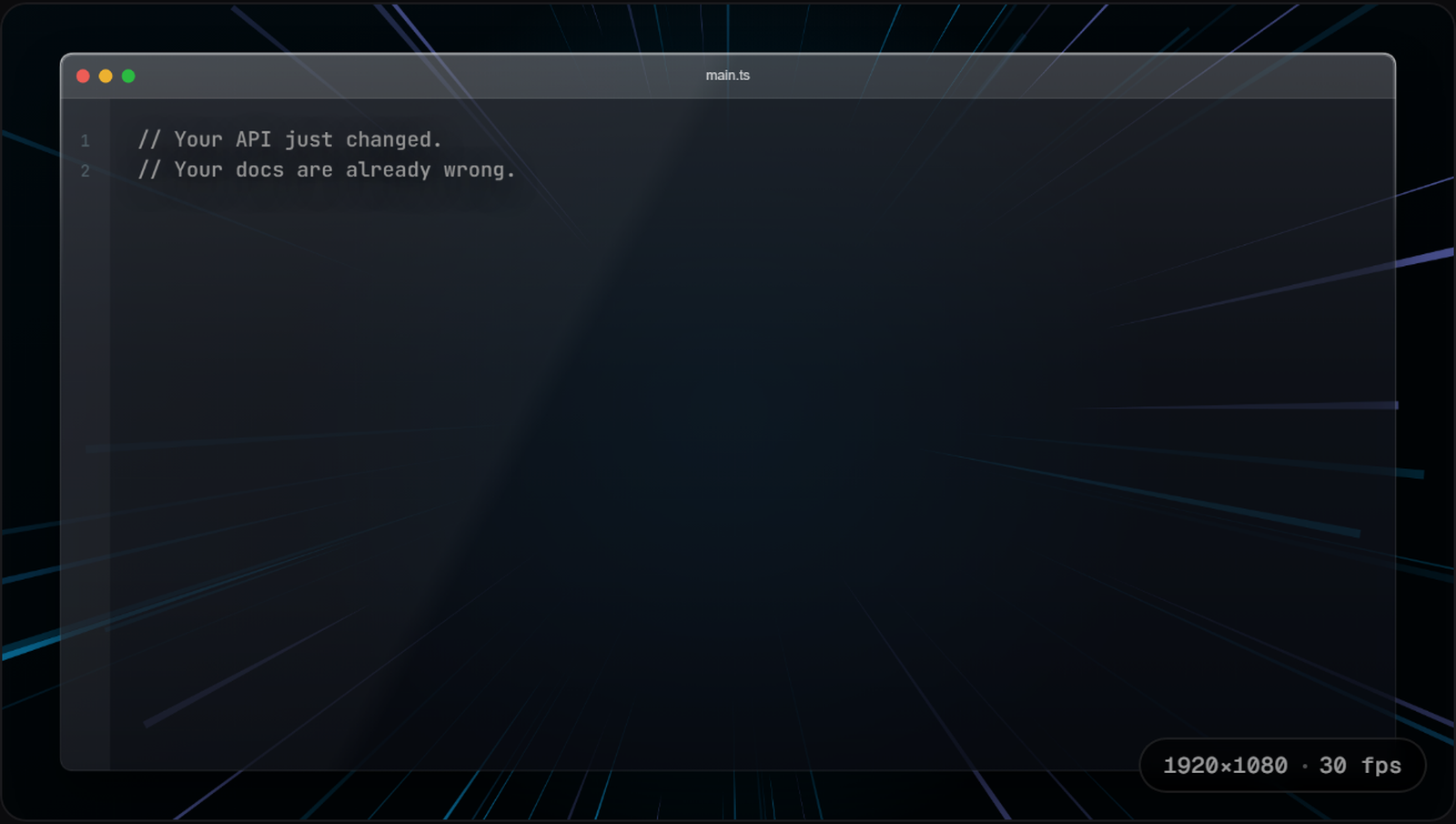
- Problem (2 seconds): one or two lines, in the reader's own words. Ours opens on a code comment — "Your API just changed. Your docs are already wrong." — because a launch video earns attention with recognition, not features.
- Product (3–4 seconds): the smallest real code that shows the mechanism. Not a feature list — the one config block or call that makes someone think "oh, that's how it works".
- Punchline (3 seconds): the payoff state plus your URL. Ours is a terminal frame: git push, three green checks, done.
Eight to ten seconds total. On a Show HN or Product Hunt page, the video's job is to earn the click to your site — not to be the demo.
Design choices we made (so you can steal them)
- Glass window + speed lines: launch posts compete in fast feeds; the background says "momentum" without a word of copy.
- A glitch transition into the problem beat — pattern interrupt in the first 500ms.
- The product beat morphs in, because morph reads as "this is code doing something", not a slideshow.
- The punchline types itself — terminal typing is the most honest "it works" signal developers recognize.
Why not Remotion for this?
Fair question — we're developers, our launch video is exactly the kind of thing Remotion excels at, and honestly, building it there would have worked. But we kept noticing the same thing: every iteration of the storyboard was a content change, not a motion change. Swap the hook line, tighten the payoff, try a different snippet. In a codebase, each of those is an edit-rebuild-preview loop; in the editor, it's typing in a text box while the preview plays. For iteration speed on CONTENT, the GUI wins even for people who love writing React.
Your launch deserves better than a static screenshot.